Zoom Screen Sharing Vulnerabilities: A New Era of Cyber Threats
Recent research exposes critical vulnerabilities in Zoom's screen sharing feature, allowing potential hijacking of devices during calls. This article explores the implications of these findings, the role of AI in identifying such threats, and what users can do to protect themselves.

In a groundbreaking revelation, researchers have uncovered serious vulnerabilities within the popular video conferencing platform Zoom that could allow malicious actors to hijack users' devices. These flaws, identified through the use of advanced AI models, bring to light the potential dangers inherent in ubiquitous technologies that many have come to trust without question. With millions of users relying on Zoom for both personal and professional communications, this discovery raises urgent questions about device security in the digital age.
As video conferencing becomes integral to daily life, especially in a post-pandemic world, the implications of these vulnerabilities extend beyond individual users. Organizations, enterprises, and even educational institutions that utilize Zoom must now reassess their cybersecurity protocols to address this emerging threat landscape. Understanding the nature of these vulnerabilities and the technological advancements that led to their discovery is crucial for anyone who engages in virtual meetings.
The Discovery: AI-Assisted Vulnerability Identification
The vulnerabilities in Zoom's screen sharing feature were identified by researchers at A Security, a digital defense firm, using publicly available AI models. According to cofounder Omer Gull, it took fewer than 20 prompts to expose these flaws, illustrating how AI is revolutionizing cybersecurity. Traditionally, uncovering such vulnerabilities required extensive resources and time—often involving a dedicated team of experts over several months. However, AI's rapid advancement has lowered these barriers, making it easier for individuals with malicious intent to exploit software weaknesses.
The vulnerabilities were specifically linked to Zoom's protocol for real-time screen sharing annotations, a feature designed to enhance collaborative efforts during calls. While Zoom, being a well-established company, likely conducts thorough code reviews, the complexity of proprietary software can lead to overlooked vulnerabilities. This is particularly concerning given that many users inherently trust established platforms like Zoom, often unaware of the potential risks.

The Potential Impact: From Individuals to Enterprises
What makes these vulnerabilities particularly alarming is the ease with which an attacker could exploit them. By merely joining a Zoom call, a participant could unknowingly allow a malicious actor to take control of their device, compromising sensitive information and credentials. A Security cofounder Yossi Torati emphasized the gravity of this situation, noting that an attacker could potentially infiltrate an entire enterprise by leveraging this vulnerability. This scenario underscores a critical shift in the threat landscape, where individual security lapses can have significant repercussions for organizations.
Real-World Implications
The implications of such vulnerabilities are profound:
- Personal Security Risks: Individual users could face identity theft or unauthorized access to sensitive information.
- Enterprise Vulnerability: Organizations relying on Zoom may find themselves exposed to data breaches or ransomware attacks, jeopardizing their operations and reputation.
- Trust Erosion: The inherent trust users place in platforms like Zoom could erode, leading to a reluctance to adopt video conferencing technologies.
Zoom's Response: Patching the Vulnerabilities
In response to the findings, Zoom has issued a security advisory detailing the fixes already implemented to address the identified vulnerabilities. Both server-side and client-side patches have been rolled out to ensure that users across all supported operating systems—Windows, macOS, Linux, iOS, and Android—are protected. However, the speed at which these vulnerabilities were identified and exploited is a stark reminder that no platform is immune to cyber threats.
Despite the successful patching of the vulnerabilities, it is essential for users to remain vigilant. The democratization of advanced hacking techniques, aided by AI, means that new threats could emerge at any time. Individuals and organizations must take proactive steps to safeguard their devices and data.

Best Practices for Enhanced Security
To mitigate potential risks associated with video conferencing, users should implement a combination of technical and behavioral strategies:
- Keep Software Updated: Regularly update Zoom and all related applications to ensure the latest security patches are applied.
- Enable Two-Factor Authentication: Use two-factor authentication (2FA) wherever possible to add an extra layer of security.
- Be Cautious with Links: Avoid clicking on unfamiliar links or downloading files during calls, especially from unknown participants.
- Limit Screen Sharing: Only share your screen when necessary and ensure that you trust the participants in the meeting.
- Educate Users: Promote cybersecurity awareness within organizations to help users recognize potential threats.
Key Takeaways
- Researchers discovered vulnerabilities in Zoom's screen sharing feature that could allow device hijacking.
- AI tools significantly reduce the time needed to identify software vulnerabilities.
- Zoom has patched these vulnerabilities, but users must remain vigilant against future threats.
- Implementing best practices can enhance security for individual users and organizations alike.
Frequently Asked Questions
What should I do if I suspect my Zoom account has been compromised?
If you suspect that your Zoom account may have been compromised, immediately change your password and enable two-factor authentication to secure your account. Additionally, review your recent meeting activities and any shared files to identify any unauthorized access. It's also advisable to notify your organization's IT department if you're using Zoom for work-related purposes.
How can I ensure my device is secure during video calls?
To keep your device secure during video calls, ensure that your operating system and applications are always updated to the latest versions. Use antivirus software to scan for any potential threats, and avoid sharing sensitive information during calls. It's also wise to conduct calls on a secure network to minimize the risk of interception.
Are there alternatives to Zoom that offer better security?
While Zoom is a popular choice for video conferencing, several alternatives offer robust security features, including Microsoft Teams, Google Meet, and Cisco Webex. Each platform has its unique security protocols, but it's essential to evaluate them based on your specific needs and the level of security they provide.
What role does AI play in identifying software vulnerabilities?
AI plays a crucial role in identifying software vulnerabilities by analyzing large datasets and detecting patterns that may indicate flaws or weaknesses in code. With advanced machine learning algorithms, AI can rapidly sift through software components and pinpoint potential vulnerabilities much faster than traditional manual techniques, thus changing the landscape of cybersecurity.
Comments
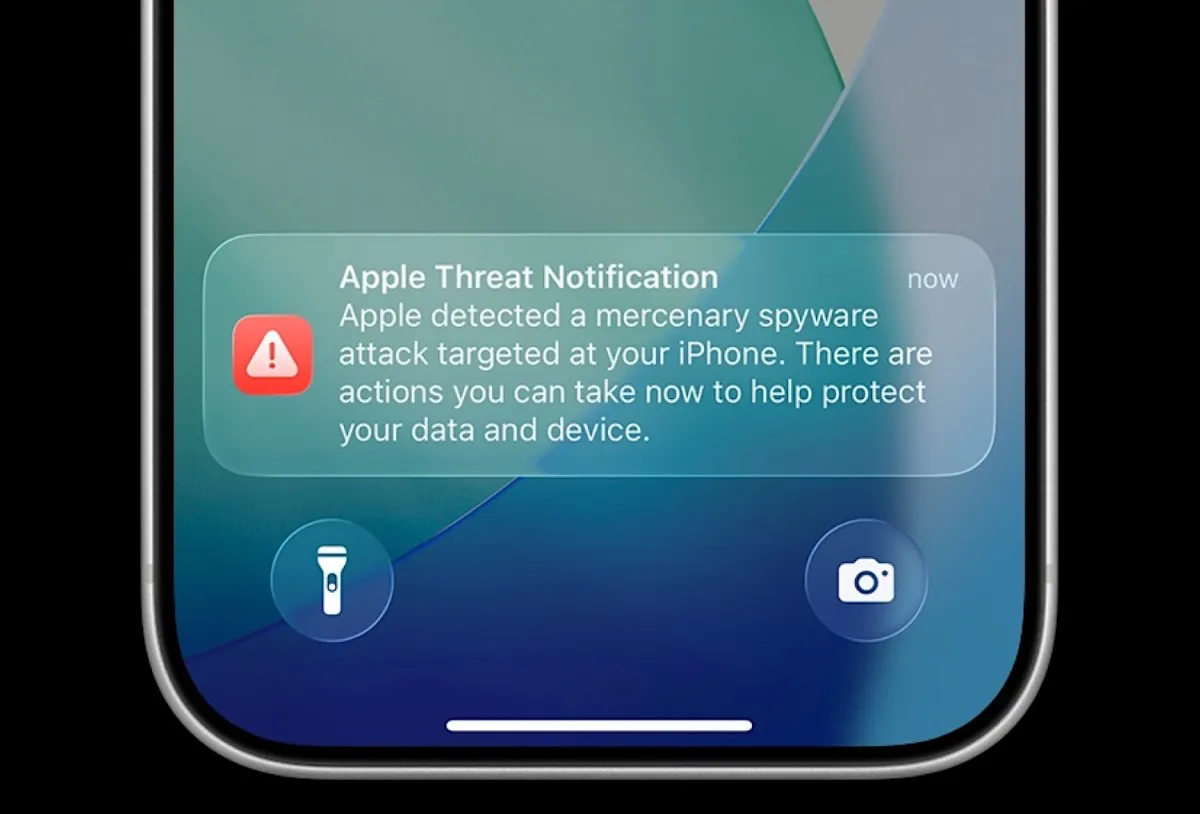
Apple’s New Push Notifications: A Crucial Warning Against Spyware Attacks
Apple is alerting users globally about potential spyware attacks on their devices. This new initiative underscores the urgent need for cybersecurity awareness and proactive measures among users.
Related articles



Popular in Cybersecurity
- Federal Mandate for Autonomous Vehicles: A Call for Safety Compliance
- EU Mandates Google to Share Data and Open AI on Android: What It Means
- GitHub Revamps Bug Bounty Program: Implications for Developers and Security
- Australian Government Disables Thousands of Functional Broadband Routers: A Wasteful Decision
- Exploiting Redis: Understanding Zero-Day Vulnerabilities and Their Mitigation