Samsung Takes Action Against Smart TV Apps Sharing User Connections
Samsung is removing smart TV apps that exploit user internet connections for potential cybercrimes. This move highlights growing concerns over smart device security and privacy.

In a significant move to bolster user security and privacy, Samsung has announced a ban on smart TV applications that share users' internet connections with unauthorized third parties. This decision follows alarming research revealing that several popular apps, including a Pac-Man game featured in the company's "Editor’s Choice" section, contained code that could turn Samsung smart TVs into unwitting conduits for cybercriminals. With millions of these devices in homes across the globe, the implications of this discovery are profound.
The Norwegian cybersecurity firm Mnemonic conducted a study highlighting the vulnerabilities in many smart TV applications, exposing a growing trend where low-quality apps, often just mere shells of code, can potentially compromise user security. This article delves deeper into the ramifications of Samsung’s decision, the technical underpinnings of these vulnerabilities, and what consumers can do to protect themselves.
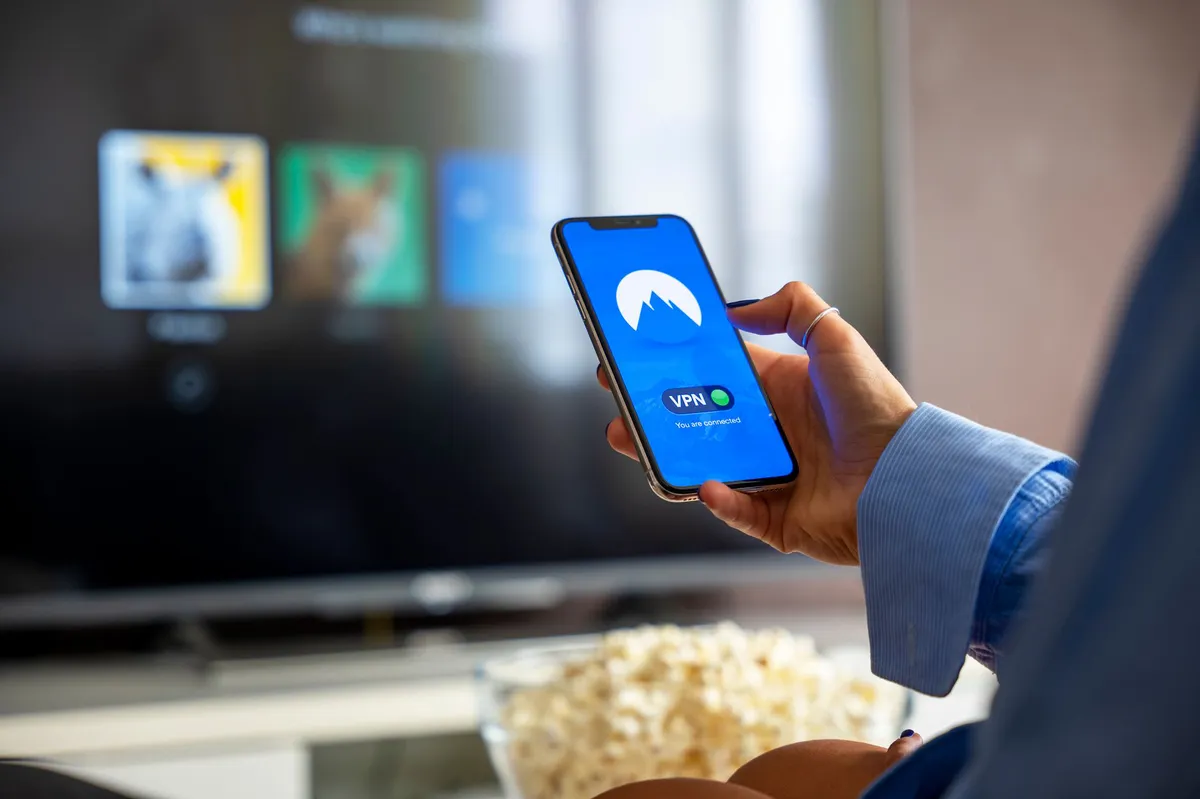
Understanding the Threat: Residential Proxies and Smart TVs
At the heart of the issue is the concept of residential proxies, commonly referred to as resproxies. These technologies allow outsiders to funnel their web traffic through ordinary users' internet connections, effectively hijacking their bandwidth. While resproxies are sometimes used for legitimate purposes, such as bypassing censorship or scraping data for AI training, they are also increasingly associated with illicit activities.
The security risks posed by these apps are multifaceted:
- Unauthorized Access: If an app containing resproxy code is activated, it can turn a smart TV into a proxy node, making the user's internet connection accessible to malicious actors.
- Data Scraping: Cybercriminals can exploit these proxies to scrape sensitive data from websites, including social media platforms like LinkedIn.
- Potential for Botnets: A simple alteration in code by a malicious actor could enlist millions of smart TVs into a botnet, facilitating large-scale cyberattacks.

The Response from Samsung and Industry Standards
Samsung's swift action to ban apps that allow the sharing of internet connections is an essential step in addressing these vulnerabilities. The company has communicated its commitment to enhancing security by:
- Implementing strict guidelines that prohibit the use of residential proxy SDKs in new app registrations.
- Launching a comprehensive review to identify and remove existing apps that contain such functionality from their platform.
- Collaborating with cybersecurity experts to ensure ongoing monitoring and enforcement of security standards.
This response comes on the heels of similar actions taken by LG, which recently announced its intent to ban apps with resproxy features after discovering that nearly 42% of its app marketplace was compromised. Such industry-wide efforts underscore a growing recognition of the need for enhanced security protocols in the smart device ecosystem.

The Technical Underpinnings of the Vulnerability
The Mnemonic research reveals that many of the problematic smart TV apps are deceptively simple, often containing just a few lines of code designed to load content from external sources. This simplicity can mask the actual functionality of the app, making it difficult for consumers and even app store reviewers to detect malicious intentions.
Harrison Sand, an offensive security consultant at Mnemonic, elaborated on the situation, noting that while the initial interface of these apps appears benign, the code can activate covertly. For example, the resproxy code in the Pac-Man game only becomes active when a user consents to its terms, allowing it to run in the background and potentially expose their internet connection.
Moreover, the encrypted nature of the data being transmitted complicates efforts to monitor and intercept malicious activity. This encryption obscures the true source of the traffic, making it challenging for cybersecurity firms to identify and mitigate threats effectively.

Consumer Implications and Best Practices
For consumers, the news about Samsung’s actions may raise concerns about the security of their smart devices. Here are some steps users can take to enhance their security:
- Regularly Update Software: Ensure that your smart TV and its applications are always running the latest software versions. Manufacturers frequently release updates that fix vulnerabilities.
- Review Installed Apps: Periodically check the apps installed on your smart TV. Remove any that you do not use or recognize, especially those that have poor reviews or are less known.
- Be Cautious About Permissions: When installing new apps, pay close attention to the permissions they request. Avoid granting unnecessary access to your device’s internet connection.
- Utilize Network Security Tools: Consider using firewall and VPN services to monitor and protect your home network from unauthorized access.
Key Takeaways
- Samsung has banned smart TV apps that share users' internet connections with unauthorized parties.
- Research reveals that many popular apps contain resproxy code, posing security risks to users.
- Industry-wide responses from companies like LG indicate a growing focus on smart device security.
- Consumers should take proactive steps to secure their smart devices, including regular updates and careful app management.
Frequently Asked Questions
What are residential proxies, and why are they a concern?
Residential proxies are services that allow users to route their internet traffic through a network of residential IP addresses. While they can serve legitimate purposes, such as bypassing geographic restrictions, they are often exploited for malicious activities, including data scraping and cyberattacks. The concern arises when ordinary consumers unwittingly allow their devices to be used as entry points for these activities, compromising their privacy and security.
How does Samsung ensure the security of its smart TV apps?
Samsung is implementing strict developer policies that ban the use of residential proxy SDKs and is actively working to identify and remove apps that pose security threats. By collaborating with cybersecurity experts and conducting regular reviews of its app store, Samsung aims to maintain a safer environment for its users. This proactive approach is essential in an industry where vulnerabilities can be exploited rapidly.
What should I do if I have a potentially vulnerable app on my smart TV?
If you suspect that you have an app on your smart TV that may be sharing your internet connection, you should delete the app immediately and check for any software updates for your device. Additionally, consider resetting your smart TV to factory settings to eliminate any residual malicious code and ensure that your device is secure.
Are all smart TVs at risk from this type of vulnerability?
While the specific issue with resproxy code has been identified in Samsung and LG smart TVs, the risk of vulnerability extends to other brands as well. Consumers should be vigilant and adopt best practices for securing their devices, such as keeping software updated and being cautious about the apps they install. The broader trend of app vulnerabilities poses a risk to all smart device users.
Comments
N-able's N-central Servers Under Siege: Analyzing Recent Cyber Attacks
N-able has faced significant challenges with its N-central servers, as attackers have exploited vulnerabilities leading to breaches. This article explores the implications of these attacks and strategies for mitigation.
Related articles



Popular in Cybersecurity
- Federal Mandate for Autonomous Vehicles: A Call for Safety Compliance
- EU Mandates Google to Share Data and Open AI on Android: What It Means
- GitHub Revamps Bug Bounty Program: Implications for Developers and Security
- Australian Government Disables Thousands of Functional Broadband Routers: A Wasteful Decision
- Exploiting Redis: Understanding Zero-Day Vulnerabilities and Their Mitigation