LG Monitors Spark Controversy with Unwanted McAfee Ads on Windows
LG's Monitor App Installer has come under fire for pushing McAfee ads onto Windows systems without user consent. Microsoft intervened, but concerns about privacy and user experience persist.
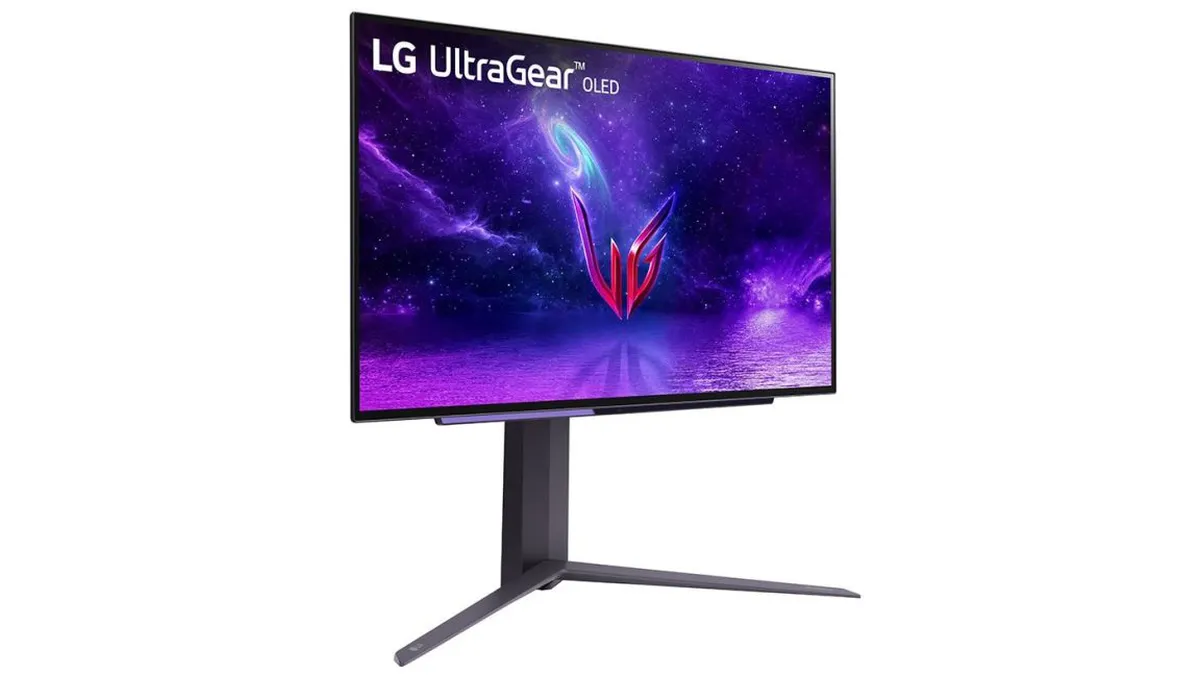
The landscape of consumer technology is often punctuated by unexpected controversies, and a recent incident involving LG monitors and Windows systems has ignited significant debate. The issue centers around the LG Monitor App Installer, a companion application that stealthily installs itself via Windows Update when certain LG monitors are connected to a PC. Users have reported that this app has been pushing unsolicited ads for McAfee security software, raising alarms about privacy, user experience, and the broader implications of such practices in the tech industry.
Recent discussions on platforms like Reddit and a revealing video by the YouTube channel Gamers Nexus have brought the topic to the forefront. In this video, editor-in-chief Steve Burke detailed how he purchased an LG UltraGear 3GX900A-B gaming monitor for $1,200, only to encounter persistent McAfee pop-up ads that appeared at startup. This incident has raised questions about consumer rights, transparency from manufacturers, and the role of software ecosystems in delivering a seamless user experience.
The LG Monitor App Installer: A Double-Edged Sword
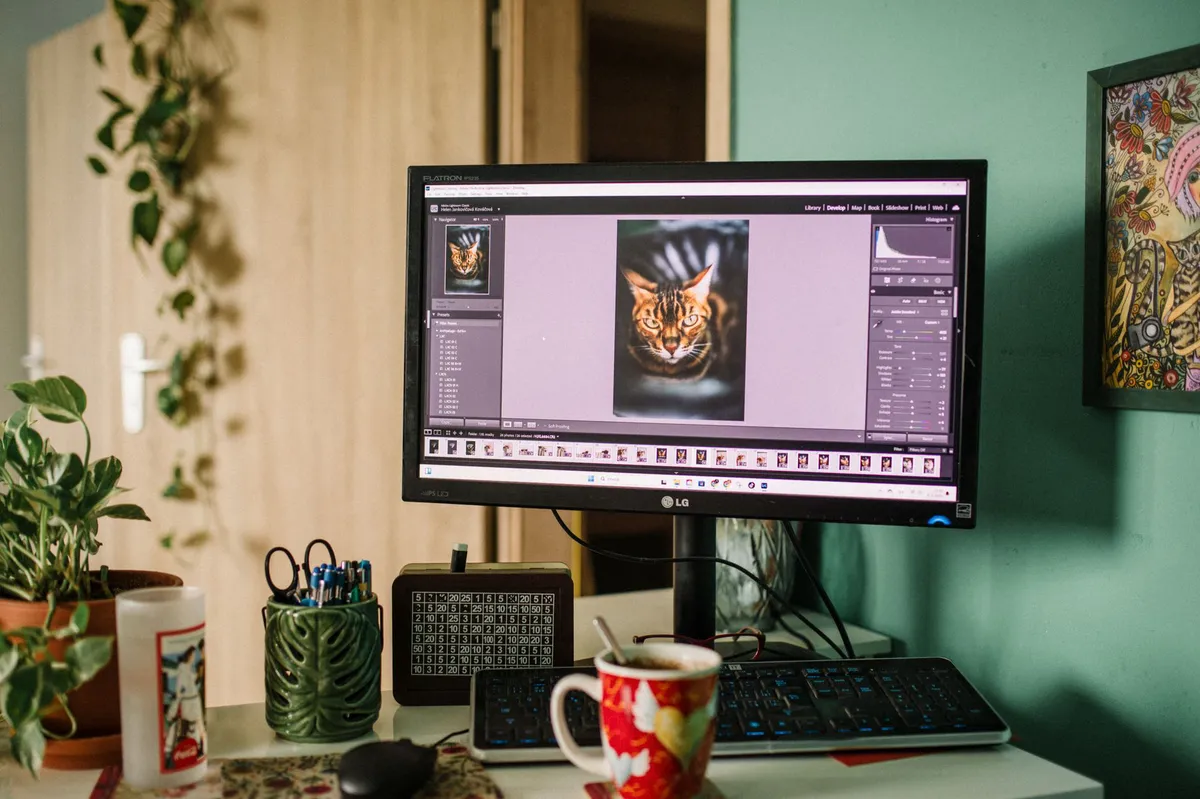
The LG Monitor App Installer was designed to facilitate the installation of software that enhances the functionality of LG monitors. However, its execution has left much to be desired. When users connect their monitors to a Windows PC, the app automatically installs itself as part of the Windows Update process. This lack of user consent is where many have drawn the line. Reports suggest that users are often unaware that such an application even exists on their systems, let alone that it would bombard them with advertisements.
How It Works
The installation of the LG Monitor App Installer is triggered by the connection of specific LG monitors to Windows PCs. According to reports, when this app is installed, it has the capability to push advertisements for various software, including a 30-day free trial of McAfee. This has created a frustrating user experience, particularly since the ads appear “on every single boot,” as noted by Burke. The app has also been seen promoting other LG products, such as LG Calibration Studio and LG Channels, albeit less frequently.
The User Experience
The core of the controversy lies in the disruption caused by these unsolicited ads. For consumers who invest significant amounts of money in high-end monitors, the expectation is that their experience will be seamless and free from intrusive marketing. Instead, users have reported feeling like they are being forced into a sales funnel without their consent. This has raised alarms not just about user satisfaction, but also about the broader implications for privacy.

The Privacy Concerns
One of the most unsettling aspects of the LG Monitor App Installer is its potential to harvest user data. According to Burke's findings, once the app is installed, LG technically gains permission to access “all system resources.” This includes sensitive information such as geolocation, device data, online activity, and even user credentials. Such extensive data collection practices can strike fear into the hearts of privacy-conscious consumers, particularly given the lack of transparency surrounding what data is collected and how it is used.
The Legal Landscape
The legal implications of such practices are complex. While companies often have their terms of service that users agree to, many consumers may not fully understand what they are consenting to. The Federal Trade Commission (FTC) has been increasingly vigilant about deceptive advertising and privacy violations, and incidents like these could draw scrutiny. Additionally, as more consumers become aware of their privacy rights, there may be calls for stricter regulations governing how companies can collect and use data from their devices.

Microsoft's Response and Future Implications
In response to the outcry, Microsoft stepped in to address the situation. Pavan Davuluri, EVP of Windows and devices at Microsoft, announced that LG had agreed to disable the McAfee pop-up ads from the app. While this is a positive step, it does not fully resolve the underlying issues of unsolicited software installations and data privacy concerns. Users are left questioning the integrity of their devices and the relationships between hardware manufacturers and software providers.
Broader Industry Context
The controversy surrounding the LG Monitor App Installer is not an isolated incident. Other hardware vendors, including Razer and Logitech, have faced criticism for similar practices, where connected peripherals install unwanted software. This trend raises fundamental questions about the ethical responsibilities of tech companies toward their customers. As consumers become increasingly aware and vocal about their rights, companies must balance monetization strategies with user-centric approaches.
Key Takeaways
- LG Monitor App Installer: Auto-installs via Windows Update, pushing ads without user consent.
- Privacy Issues: The app can access extensive user data, stirring concerns about data security.
- Microsoft's Intervention: Microsoft has intervened to remove McAfee ads but leaves broader issues unaddressed.
- Industry-Wide Trend: Other manufacturers are also scrutinized for similar ad-pushing practices.
- Consumer Awareness: Increased awareness may lead to calls for stricter regulations in the tech industry.
Frequently Asked Questions
What exactly is the LG Monitor App Installer?
The LG Monitor App Installer is a companion application that installs itself on Windows PCs when certain LG monitors are connected. Its primary purpose is to facilitate the installation of software that enhances the monitor's functionality, but it has come under fire for pushing unsolicited advertisements, particularly for McAfee, onto users without their consent.
What are the privacy implications of having this app installed?
Once installed, the LG Monitor App Installer can access all system resources, which raises significant privacy concerns. It can collect sensitive information such as geolocation, online activity, and user credentials. This extensive data collection, often done without explicit consent or transparency, is alarming for privacy-conscious consumers.
What actions has Microsoft taken regarding the ads?
In light of user complaints and negative feedback, Microsoft has worked with LG to disable the McAfee pop-up ads generated by the LG Monitor App Installer. While this action addresses the immediate issue of unwanted advertisements, it does not tackle the broader concern regarding the unsolicited installation of software and potential privacy violations.
How can consumers protect themselves from similar issues in the future?
Consumers can take several steps to protect themselves from unwanted software installations and privacy violations. First, they should be vigilant about the devices they connect to their computers and check for any installed applications that they did not authorize. Additionally, understanding the permissions granted to installed apps can help users make informed decisions about their privacy. Being aware of user reviews and community feedback can also provide insights into the practices of different manufacturers.
Comments
Bridging the Agent Security Gap: AI Incidents on the Rise
A significant number of enterprises are facing security incidents involving AI agents. Despite this, many organizations lack the necessary controls to mitigate these risks, raising serious concerns about the future of AI security.

Related articles




Popular in Cybersecurity
- Federal Mandate for Autonomous Vehicles: A Call for Safety Compliance
- EU Mandates Google to Share Data and Open AI on Android: What It Means
- GitHub Revamps Bug Bounty Program: Implications for Developers and Security
- Australian Government Disables Thousands of Functional Broadband Routers: A Wasteful Decision
- Exploiting Redis: Understanding Zero-Day Vulnerabilities and Their Mitigation