Critical RCE Vulnerability in Forminator Plugin Exposes WordPress Sites
A newly discovered flaw in the Forminator WordPress plugin allows unauthenticated remote code execution, posing severe risks to site security. This article explores the implications and prevention strategies for WordPress users.
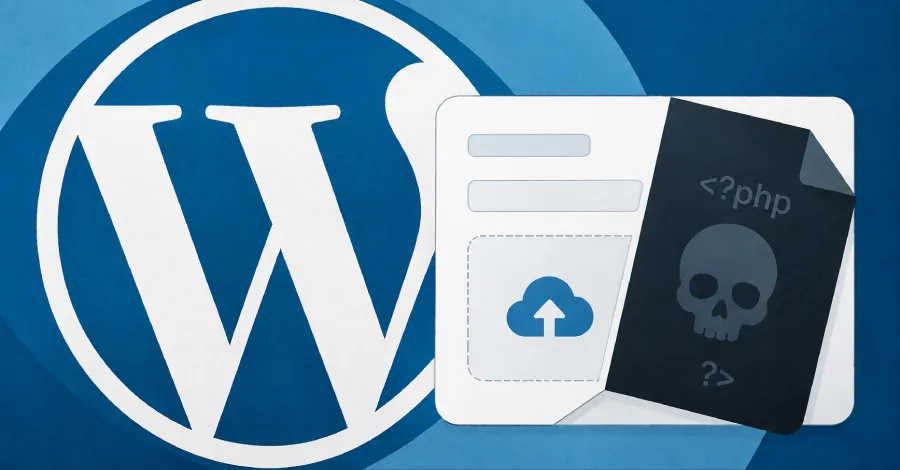
The WordPress ecosystem, known for its flexibility and extensive plugin library, has once again come under scrutiny due to a critical vulnerability identified in the Forminator plugin. This popular tool, widely used for creating forms, has been found to allow unauthenticated remote code execution (RCE) through malicious PHP file uploads. This discovery not only raises alarms about the security posture of thousands of WordPress sites but also underscores the persistent challenges related to plugin vulnerabilities in the broader web hosting landscape.
As WordPress powers over 40% of all websites globally, the implications of such vulnerabilities are far-reaching, affecting individuals, businesses, and even entire industries. The Forminator flaw exemplifies how a single weak link can open the door to significant security breaches, making it imperative for site owners to understand the risks and take proactive measures to safeguard their digital properties.
Understanding the Forminator Vulnerability
Forminator is a widely used WordPress plugin that enables users to create forms for various purposes, from contact forms to surveys. However, the recently uncovered flaw allows attackers to upload malicious PHP scripts without any authentication. This means that anyone, regardless of whether they have legitimate access to the site, can potentially execute arbitrary code on the server.
How the Exploit Works
The exploit takes advantage of the way Forminator handles file uploads. When a user uploads a file through the plugin, the system fails to properly validate the file type and permissions. By bypassing these security checks, an attacker can upload a PHP file disguised as a legitimate document (such as a PDF or image), which can then be executed directly on the server.
This scenario is particularly dangerous because it allows attackers to gain full control over the affected WordPress installation, potentially leading to data theft, website defacement, and further infiltration into the server's hosting environment.

Market Context: The State of WordPress Security
The WordPress ecosystem is both robust and vulnerable. While it offers a plethora of plugins that enhance functionality, many of these third-party tools have been linked to security issues. According to a report by WPScan, plugins are responsible for approximately 55% of all WordPress vulnerabilities. This statistic highlights the importance of rigorous security practices when selecting and maintaining plugins.
In the case of Forminator, the vulnerability was discovered by a security researcher, prompting a swift response from the plugin's developers who released a patch. However, the speed of vulnerability discovery and patching is often not aligned, leaving many users exposed for extended periods. This mismatch underscores the need for users to stay informed about the plugins they utilize and to apply updates promptly.
Best Practices for Securing WordPress Sites
Given the prevalence of vulnerabilities in WordPress plugins, it is essential for site administrators to adopt comprehensive security strategies. Here are some best practices:
- Regular Updates: Ensure that all plugins, themes, and the WordPress core are updated to their latest versions to mitigate known vulnerabilities.
- Security Plugins: Utilize security plugins such as Wordfence or Sucuri to monitor for suspicious activity and enhance overall protection.
- File Upload Restrictions: Implement strict controls on file uploads, including file type restrictions and scanning for malicious content.
- Regular Backups: Maintain regular backups of the website to facilitate recovery in case of a successful attack.
- Educate Users: Train all users with access to the site's backend on security best practices to reduce the risk of human error.

Legal Implications and Responsibilities
The ramifications of security vulnerabilities extend beyond the technical realm into legal obligations. For businesses that operate online, particularly those handling sensitive user data, there are legal requirements regarding data protection and breach notifications. The General Data Protection Regulation (GDPR) and other local laws impose strict penalties for failure to protect user data, and a breach resulting from negligence can lead to significant financial repercussions.
Moreover, organizations could face lawsuits from affected users or clients if their data is compromised. Therefore, understanding the implications of security risks and taking proactive steps to mitigate them is not only a best practice but a legal necessity for responsible site management.
Key Takeaways
- The Forminator plugin vulnerability allows unauthenticated RCE via malicious PHP uploads, posing significant risks to WordPress sites.
- Nearly 55% of WordPress vulnerabilities are attributed to plugins, highlighting the need for careful selection and management.
- Implementing best security practices can significantly reduce the risk of exploitation and data breaches.
- Legal responsibilities regarding data protection make it crucial for businesses to prioritize website security.
Frequently Asked Questions
What is remote code execution (RCE), and why is it dangerous?
Remote Code Execution (RCE) is a critical security vulnerability that allows an attacker to execute arbitrary code on a server or application from a remote location. This is dangerous because it can lead to unauthorized access, data breaches, and full control over the affected system, allowing attackers to manipulate data, steal sensitive information, and disrupt services.
How can I check if my site is using the Forminator plugin?
If you're unsure whether your WordPress site is using the Forminator plugin, log into your WordPress admin dashboard and navigate to the 'Plugins' section. Here, you can view all installed plugins. Look for 'Forminator' in the list. If it's installed, ensure that it is updated to the latest version or consider disabling it until you can apply the patch.
What should I do if my site is compromised?
If you suspect that your site has been compromised, take immediate action by isolating the affected site from the internet to prevent further damage. Then, conduct a thorough security audit to identify the extent of the breach. Restore the site from a secure backup, change all passwords, and apply the necessary security patches. It may also be prudent to inform users if their data may have been exposed.
Comments
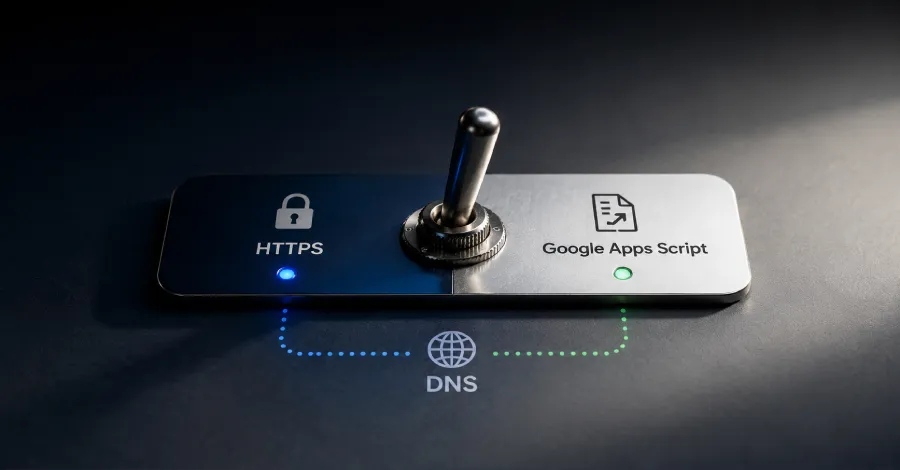
How Cavern C2 Uses DNS and Google Apps Script to Evade Detection
Exploring the innovative tactics of Cavern C2, we delve into how attackers blend malicious traffic with legitimate services, and what businesses can do to protect against such sophisticated threats.
Related articles






Popular in Cybersecurity
- Federal Mandate for Autonomous Vehicles: A Call for Safety Compliance
- EU Mandates Google to Share Data and Open AI on Android: What It Means
- GitHub Revamps Bug Bounty Program: Implications for Developers and Security
- Australian Government Disables Thousands of Functional Broadband Routers: A Wasteful Decision
- Exploiting Redis: Understanding Zero-Day Vulnerabilities and Their Mitigation