Google's AI Mode: Revolutionizing App Interactions and User Experience
Google's latest update to its AI Mode enables users to connect and interact with popular apps like Instacart and Canva, enhancing productivity and convenience. This move positions Google to better compete in the growing AI landscape.
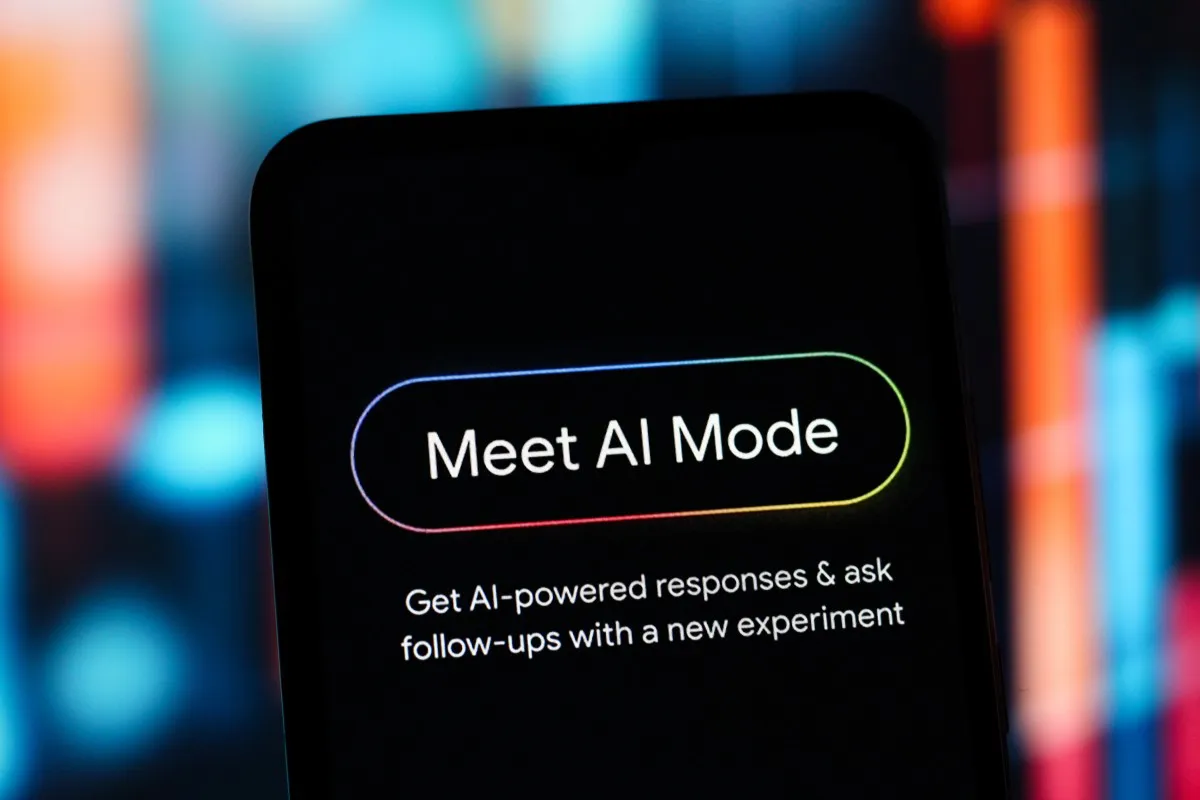
In an era where digital interactions increasingly define our daily tasks, Google has taken a significant step towards enhancing the utility of its AI Mode. Announced on July 16, 2026, this new feature allows users to link and interact seamlessly with a selection of their favorite applications, fundamentally transforming how people engage with technology. With the ability to complete tasks within the apps they use most, such as Instacart for grocery shopping or Canva for design projects, Google is not just adding features; it is redefining user convenience and productivity.
This strategic enhancement comes at a crucial time as competition in the AI space intensifies, particularly against rivals like OpenAI's ChatGPT and Anthropic's Claude, both of which have already integrated app functionalities. By expanding AI Mode beyond basic inquiries to include direct interactions with third-party applications, Google is strengthening its position in the market and aiming to increase user reliance on its AI capabilities.
Understanding Google’s AI Mode
Google's AI Mode, initially launched in early 2025, has undergone continuous development and refinement, with the latest updates showcasing a broader scope of functionalities. The AI Mode is designed to enhance the user experience by providing personalized and context-aware assistance in various tasks.
Features and Functionalities
Among the standout features of this recent update are:
- App Integration: Users can now link their AI Mode with popular applications such as Instacart, Canva, and YouTube, allowing them to perform various tasks directly through AI interactions.
- Task Automation: Tasks like grocery shopping, project planning, and music playlist creation can now be automated, streamlining what were previously time-consuming processes.
- Contextual Awareness: The AI can remember the context of conversations, enabling it to provide more relevant suggestions and assistance over time.
- Personal Intelligence: The capability to integrate with Gmail and Google Photos allows for an even more personalized experience, tailoring responses to individual user needs.

How It Works: Practical Applications
Google's latest enhancements are not just theoretical; they have practical applications that can significantly improve everyday tasks. For instance, if you are planning a barbecue, you can leverage AI Mode to generate a grocery list and directly add items to your shopping cart on Instacart, making the purchasing process smoother and faster. Similarly, if you're designing a flyer for an event, you can request Canva to present various templates, allowing for immediate selection and customization within the chat interface.
Real-World Scenarios
Consider the following scenarios:
- Event Planning: Use AI Mode to curate a playlist for your next party on YouTube Music, instantly saving it to your account.
- Shopping Efficiency: Check the stock availability of items from local stores directly through AI Mode before making a purchase.
- Project Collaboration: Share design drafts and receive instant feedback from collaborators through integrated tools like Canva.

Market Implications and Competitive Landscape
The introduction of app integration in Google’s AI Mode is not just a technical upgrade; it’s a strategic maneuver in a highly competitive landscape where tech giants are racing to dominate the AI-driven user experience. As Google rolls out this feature primarily in the U.S., it sets a precedent for future enhancements aimed at personal and professional productivity.
This evolution in Google’s offerings is essential for several reasons:
- Increased User Engagement: By simplifying processes, Google is likely to see higher user retention and engagement rates.
- Competitive Edge: Enhanced functionalities position Google to better compete with existing and emerging AI platforms.
- Partnership Opportunities: Collaborating with a diverse range of app developers opens up new avenues for innovation and cross-promotion.

Future of Google AI Mode
Looking ahead, Google has indicated plans to expand its list of supported applications, which could include a variety of services across different sectors. As the digital landscape continues to evolve, the integration of more apps into AI Mode will likely enhance its utility, making it not just a conversational tool but a hub for everyday activities.
Furthermore, Google’s commitment to continuously improving AI Mode, as evidenced by the recent updates to include stock checks and side-by-side web exploration, suggests that we can expect even greater functionality in the future. By leveraging user data responsibly and ethically, Google aims to refine and personalize interactions, thereby enhancing user satisfaction.
Key Takeaways
- Google's AI Mode now supports interactions with apps like Instacart, Canva, and YouTube.
- This update enhances task automation, improving user productivity and engagement.
- Google aims to strengthen its competitive position against rivals like OpenAI and Anthropic.
- Future expansions will likely include more third-party app integrations.
Frequently Asked Questions
What is Google’s AI Mode?
Google's AI Mode is a conversational search experience that allows users to interact with the AI to answer questions and complete tasks. Recent updates have enabled integration with third-party applications, allowing for a more seamless and productive user experience.
How do I link my apps to Google’s AI Mode?
Linking apps to AI Mode is designed to be user-friendly. Users can connect their accounts through the settings in the AI Mode interface, selecting from a list of supported applications. Once linked, users can start interacting with these apps directly through the AI’s conversational interface.
What types of tasks can I complete using AI Mode?
Users can complete a variety of tasks, including shopping for groceries through Instacart, designing projects with Canva, and curating music playlists on YouTube Music. The AI Mode can also provide contextual assistance, making it easier to accomplish tasks efficiently.
Will there be more app integrations in the future?
Yes, Google has indicated plans to continue expanding the list of supported applications. This is part of a broader strategy to enhance the capabilities of AI Mode, allowing users to integrate more of their daily tools into this conversational framework.
Comments
Google Rebrands NotebookLM to Gemini Notebook: What You Need to Know
Google has rebranded its AI-powered research tool from NotebookLM to Gemini Notebook as part of a broader strategy to unify its AI offerings. This article explores the new features and implications for users and the industry.

Related articles
Popular in AI Tools
- OpenAI's GPT-Live: Transforming Voice Interaction with AI
- SpaceX's Grok 4.5: Disruption in AI Coding at Unmatched Prices
- Gaming Data: The Future of Training AI for General Intelligence
- OpenAI's GPT-5.6: A New Era for Microsoft Copilot and Beyond
- The AI Deployment Dilemma: Balancing Autonomy and Governance